

Dark Lace
$300USD
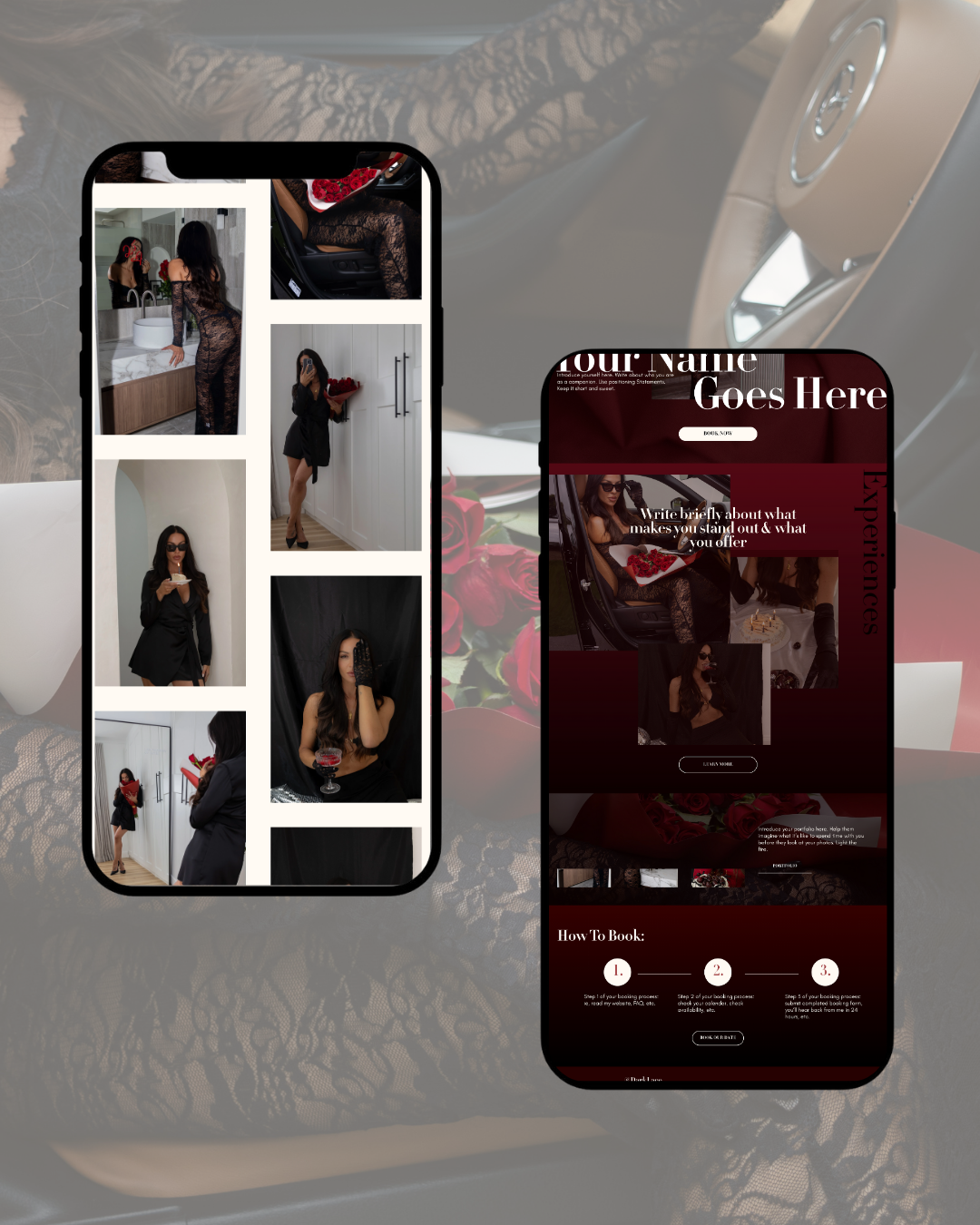
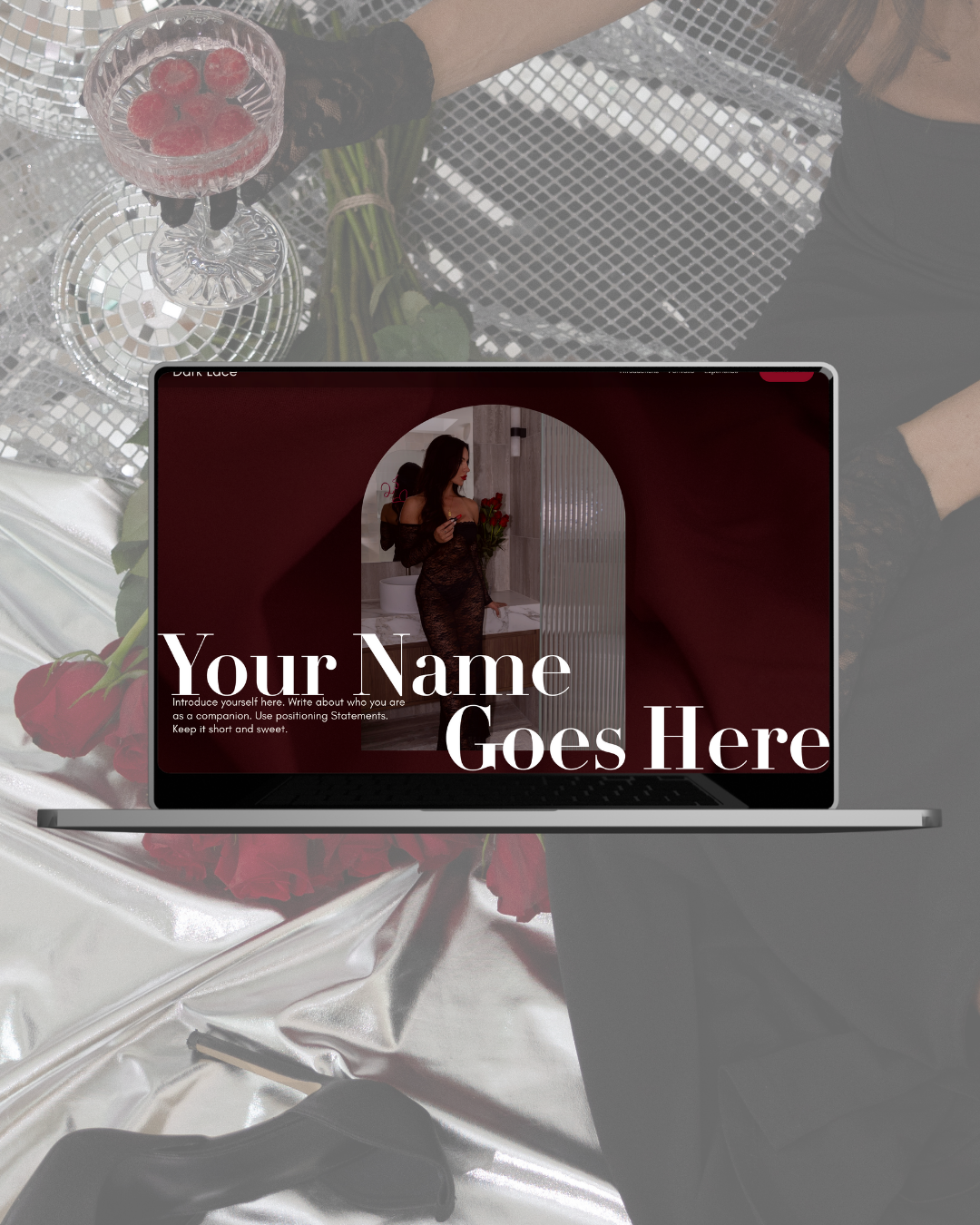
The Dark Lace Squarespace Template is a bold, romantic, clean, and easy-to-navigate template for those looking for a more sensual and timeless online presense.
-
The Dark Lace template is for escorts and pro-dommes who want a clean, professional website with strong foundational structure without unnecessary complexity.
It’s ideal if you’re already working, want better client alignment, and prefer simplicity over managing a large or multi-location site.
I designed this with escorts and companions with a sultry, bombshell, baddie-type persona in mind, but dommes, strippers, and content creators can use it too.
-
Template includes all core pages built with clear structure, proper heading hierarchy, and SEO-friendly layout prompts.
It’s designed to support search visibility and client filtering at a foundational level — without advanced location architecture or ongoing support.
Here’s what you get with your template:
5 professionally designed pages including Home, About, Gallery, Rates, and Contact
6 month Squarespace free trial
No code needed
Desktop + mobile optimized design
Step by step tutorial
Launch checklist
What To Expect When You Purchase Your Template
Purchase Your Template
1.
Once you purchase your template, you’ll receive an email with your template information and a pdf with instructions for your template.
Get Ahead!
2.
Start going through the pdf and get your branding and content together. You’ll be able to get your template edited faster if you get organized ahead of time.
Check Your Inbox
3.
Your template will be delivered to you via email as a new site or as an installation on a current Squarespace website within 48 hours of purchase.
Start Customizing Your template
4.
Go through the tutorials and learn how to change out your images, colors, pages, and text. You got this!
Get Ready To Launch
5.
Go through the final launch checklist and double-check your work. Have some friends check it out too. A second pair of eyes can catch things you’d miss!
Yeet Your Site Into the Aether!
Not literally, of course. But launch that shit, babe! Tell the world about your new site, and be proud of yourself.
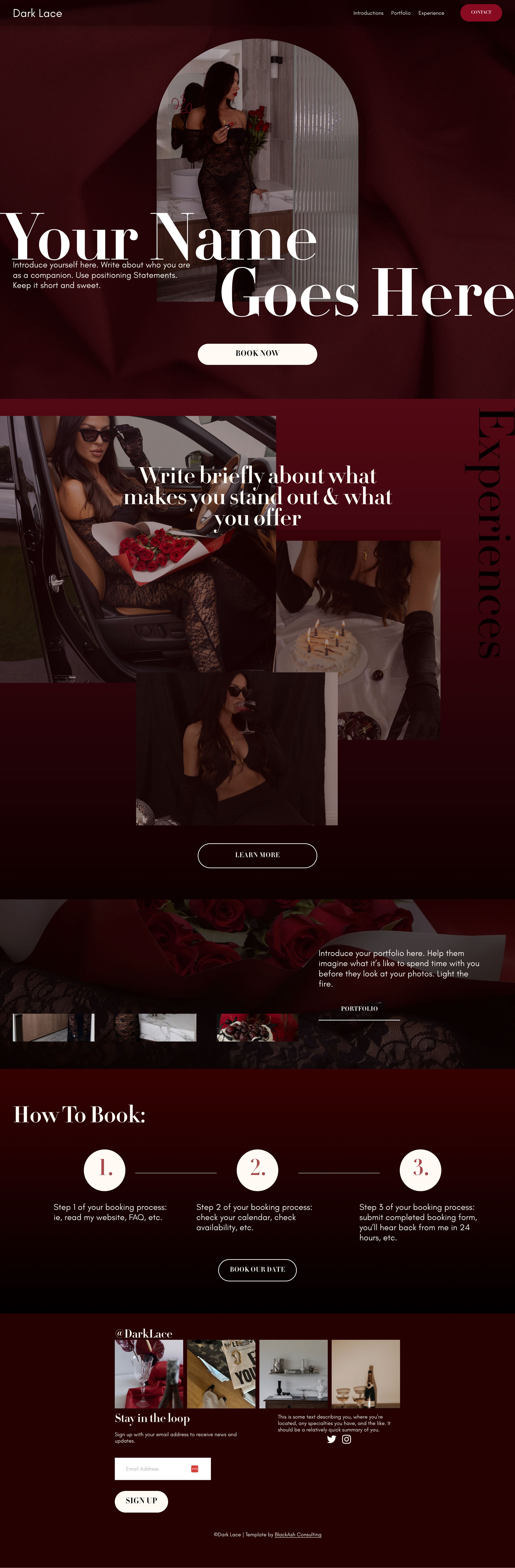
Check Out The Live Template
Scroll the desktop homepage >>>
Let me spell it out for you:
You got this! You don’t just get a template; you get the resources you need to create a beautiful, pro-worthy website without hiring a professional designer.
-
Of course, you get your template. You’ll receive an email with instructions on how to access your template within 48 hours of purchase.
-
You have six whole months to edit and customize your template to make it your own! You also get 25% off your first year of hosting when you launch.
-
Every template comes with instructions on how to change colors, edit the design, and make sure the template reflects your unique brand.
-
This checklist will walk you through the basics you need to ensure strong SEO structuring for your website.
-
The Launch checklist ensures you’ve got everything in order on your new website before you go live.
WHAT’S INCLUDED:
-
You can change the colors, fonts, photos, backgrounds, add pages, and adjust the layouts as needed! I always recommend making a backup of the original template so that you can always have a reference.
-
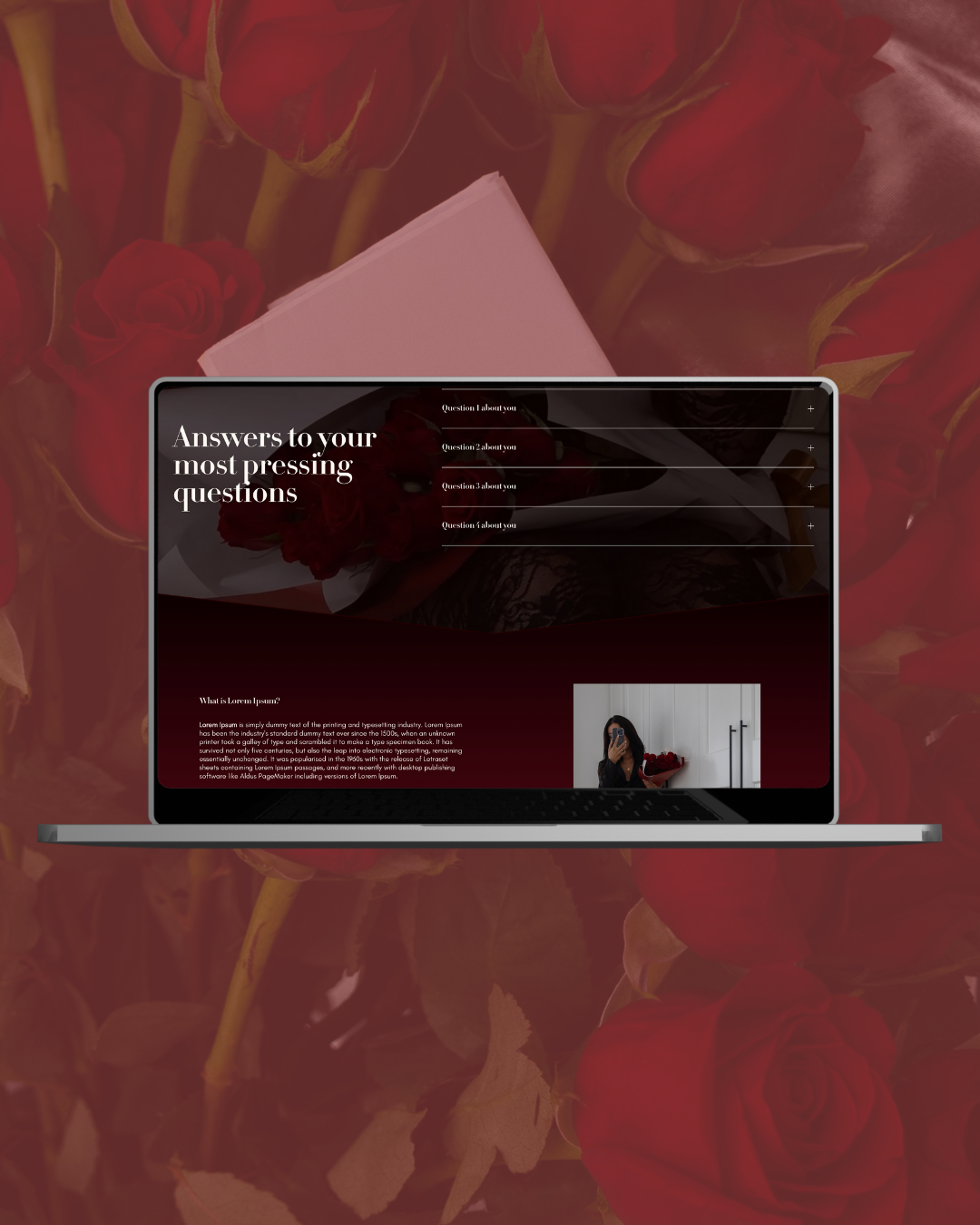
Each template comes with a home, about, gallery, experience/pricing, and contact page. You can easily create additional pages, or copy any of the pages included.
Squarespace has a newsletter service that starts at $60/year and is an additional cost.
-
You’re welcome to keep the color palette that comes with the template. You can also follow the simple guide that’s included and change the color palette to suit your brand.
-
All the fonts used either come standard with Squarespace or are custom fonts that are easily available for free and easy to upload. Don’t worry- I’ll show you how to change fonts and upload custom ones.
-
The photos included with the template are NOT licensed for reuse. Please do not use them.
The images are sourced from The Vault Stock and/or Death To Stock. If you need stock images, I highly recommend grabbing a month’s subscription and downloading to your heart’s content.
TEMPLATE BREAKDOWN:
-
Make sure to set aside plenty of time to work on your site. I find it takes folks that are new to Squarespace 1-2 months to create their first website, but if you are diligent, you can get your site up and running in 20-40 hours.
Plan for more time than you think you need!
-
The cost of the template does not include the cost of a Squarespace subscription.
You’ll need the Core level subscription when you’re ready to go. You will receive a free 6-month trial with your template. That’s plenty of time to get your site customized, so you don’t need to buy a subscription until you’re ready to launch.
-
If you want to make custom graphics, backgrounds, and other elements for your site, I highly suggest a paid Canva subscription. You can do the 30-day free trial to get started and create your graphics as needed.
-
You can purchase your domain wherever you like and connect it to your Squarespace account, or you can purchase your domain from Squarespace before you launch. The first year on a domain is free with a subscription, and they’re $20/year after.
WHAT YOU NEED:
Essential Template FAQ
-
All templates in the Essential category come with core website pages (Home, About, Services, Individual Service Page, Booking, FAQ) built with clear structure, proper heading hierarchy, and SEO-friendly layout prompts. It’s designed to help you present your services clearly and support foundational search visibility.
You also get a tutorial PDF, a free six month trial of Squarespace, 25% off your hosting for the first year, an SEO setup checklist, and a launch checklist.
-
The template is built with search structure in mind — including clean URL hierarchy, heading structure, and metadata prompts. Purchasing a template does not include keyword research, optimization services, ranking guarantees, or SEO consulting.
-
No. This is a fully DIY product. You’ll receive the template and a structured setup guide to implement it yourself.
-
No. Technical setup, hosting, troubleshooting, and platform support are not included. This template is designed for independent implementation.
Squarespace offers technical support and lots of documentation, and there is more information about that in the instructional PDF.
-
This template assumes that you either have basic familiarity with Squarespace or that you are ready and willing to learn on your own. If you need hands-on guidance or ongoing support, this may not be the right fit.
-
No. Essential Templates focuse on clean foundational structure only. They do not include location silos, blog architecture, or advanced internal linking systems.
If you’re looking for those options, you’ll want to check out Authority Templates.
-
Yes. You can customize images, colors, copy, and service descriptions to reflect your brand. The structure is fixed by design to preserve clarity and performance.
-
No template can guarantee results. This template provides infrastructure designed to support clearer messaging and better client alignment. Results depend on your content, branding strategy, and market.